Dashboard Overview
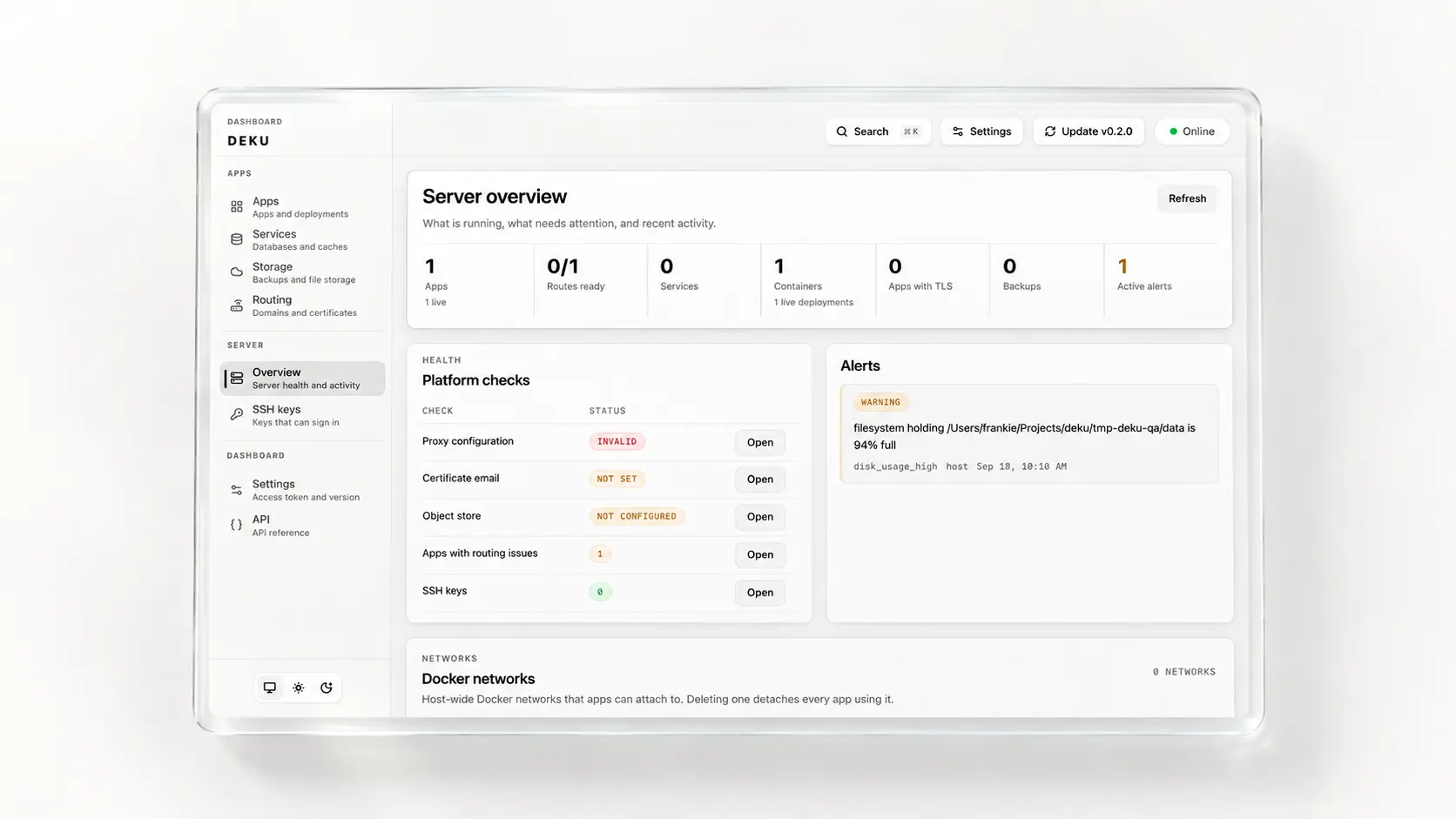
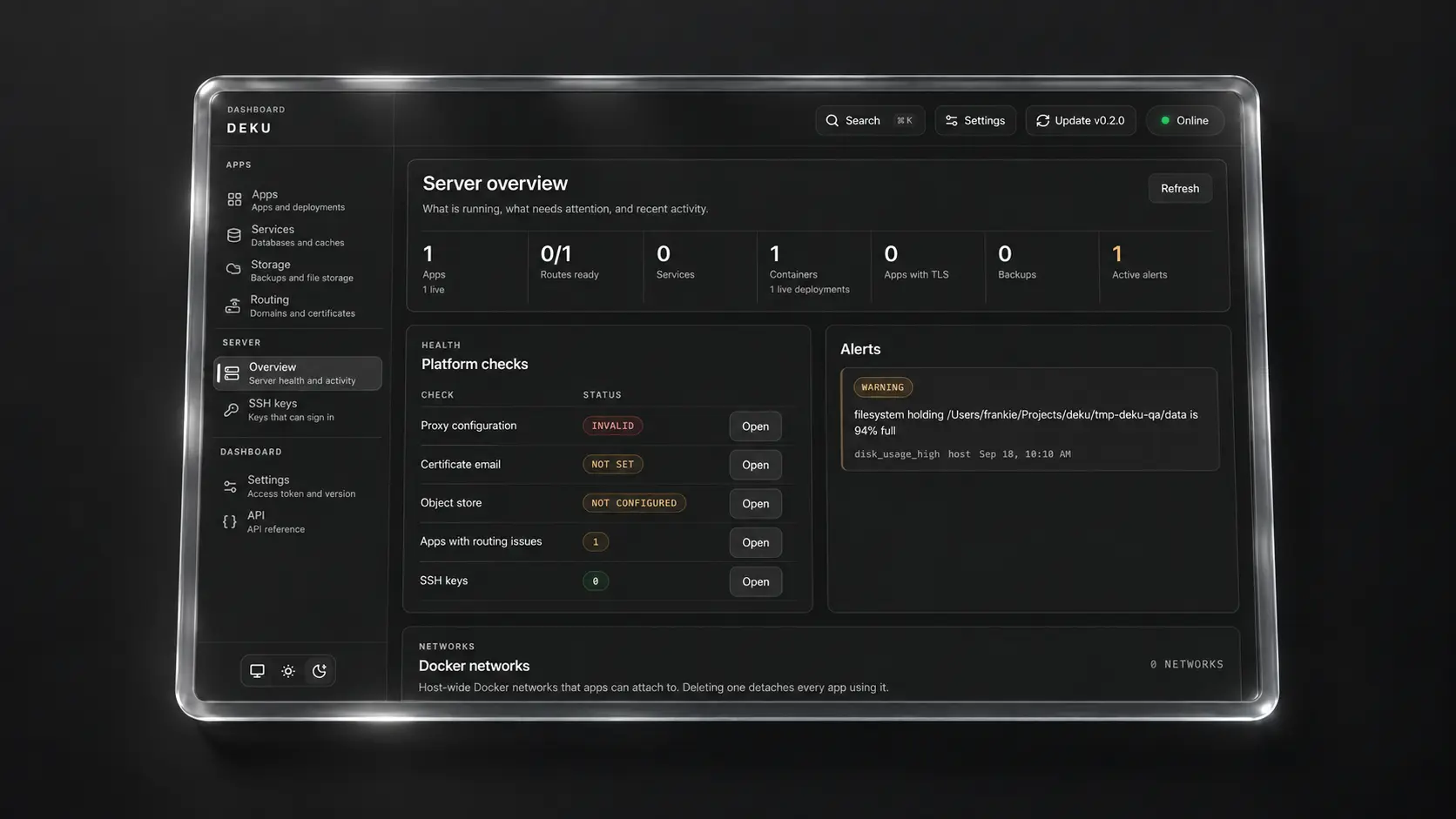
The dashboard is the main web interface for operating apps and host-level features in Deku.
It is served directly by dekud from the configured dashboard directory. In the packaged install path, the installer stages the built dashboard assets for you from the release bundle.
Accessing the Dashboard
Section titled “Accessing the Dashboard”Run:
deku dashboardThat command prints:
- The server-reachable dashboard URL derived from local CLI config and host IP detection
- The local loopback dashboard URL for on-host access
- Whether dashboard access is configured
- SSH tunnel and firewall guidance for remote access
- The reset command if a replacement token is needed
If your browser is on another machine, either use the printed SSH tunnel command or make TCP port 2810 reachable through your firewall. Then open the dashboard URL in a browser and sign in with the one-time dashboard token shown during deku setup or a later deku dashboard reset-token.
Pages and Workflows
Section titled “Pages and Workflows”- Apps: Review the app fleet, create new apps, remove old apps, and jump directly into app workspaces
- App detail: Manage config vars, domains, ports, routing, TLS, scale, deployment history, and live logs for a single app
- Deployment detail: Inspect rollout history, lifecycle events, builder details, and rollback targets
- Host overview: Review platform-wide app status, routing state, TLS configuration, object store status, services, SSH keys, plugins, and recent events
- Routing: Inspect the routing table — each app’s domains, its environment and per-deployment (preview) hostnames, and its upstreams — validate proxy state, and manage the global Let’s Encrypt email setting
- Services: Create and inspect Postgres, MySQL, MariaDB, Redis, and MongoDB services, link them to apps, and manage backups and restores
- Object Store: Configure and test the S3-compatible object store used for host-level backups, deploy artifact retention, and app credential linking
- SSH Keys: Add and remove trusted public keys for server access workflows
- Plugins: Inspect loaded plugins and load or unload plugin libraries by path
- Settings: Manage the dashboard access token, check for updates, set the Let’s Encrypt account email, review storage and services, and configure host-level settings
- API: Open the interactive API reference, generated from the daemon’s OpenAPI document
What You Can Manage Here
Section titled “What You Can Manage Here”- App creation, inspection, and deletion
- Deploy history, image/archive deploy follow-up, and rollback review
- Config vars, domains, ports, routing, and TLS
- Process scale, live logs, and deployment events
- Networks, storage mounts, and cron entries
- Managed services and Postgres backup workflows
- Object store, SSH keys, and plugin inventory
For the underlying HTTP surface, read API Reference. For the runtime model behind the dashboard, read Architecture.